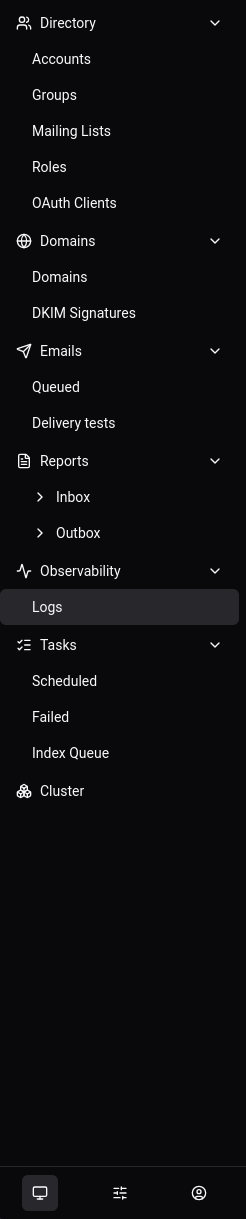
I’m trying to reload the settings via the WebUI on v1.0, but I can no longer find those options.
I understand that topics in this category are triaged by a bot first but a human reply will follow up. If I’d prefer a human-only reply, I’ll add the no-ai tag to my topic.
In v1.0 the Actions section is still there. It sits under Management in the WebUI, at Management › Actions. Each action is an Action object, and you run one by creating it.
To reload the settings, create the ReloadSettings action from that page. You can also run it from the CLI:
stalwart-cli create Action/ReloadSettings
Some changes need more than a settings reload:
TLS certificates have their own action, ReloadTlsCertificates.
Stores, caches, listeners and search settings only take effect after a restart.
If Management › Actions doesn’t appear in your sidebar, check that the account you’re logged in with has permission to manage actions. If it still isn’t there, tell me which account type you’re using.