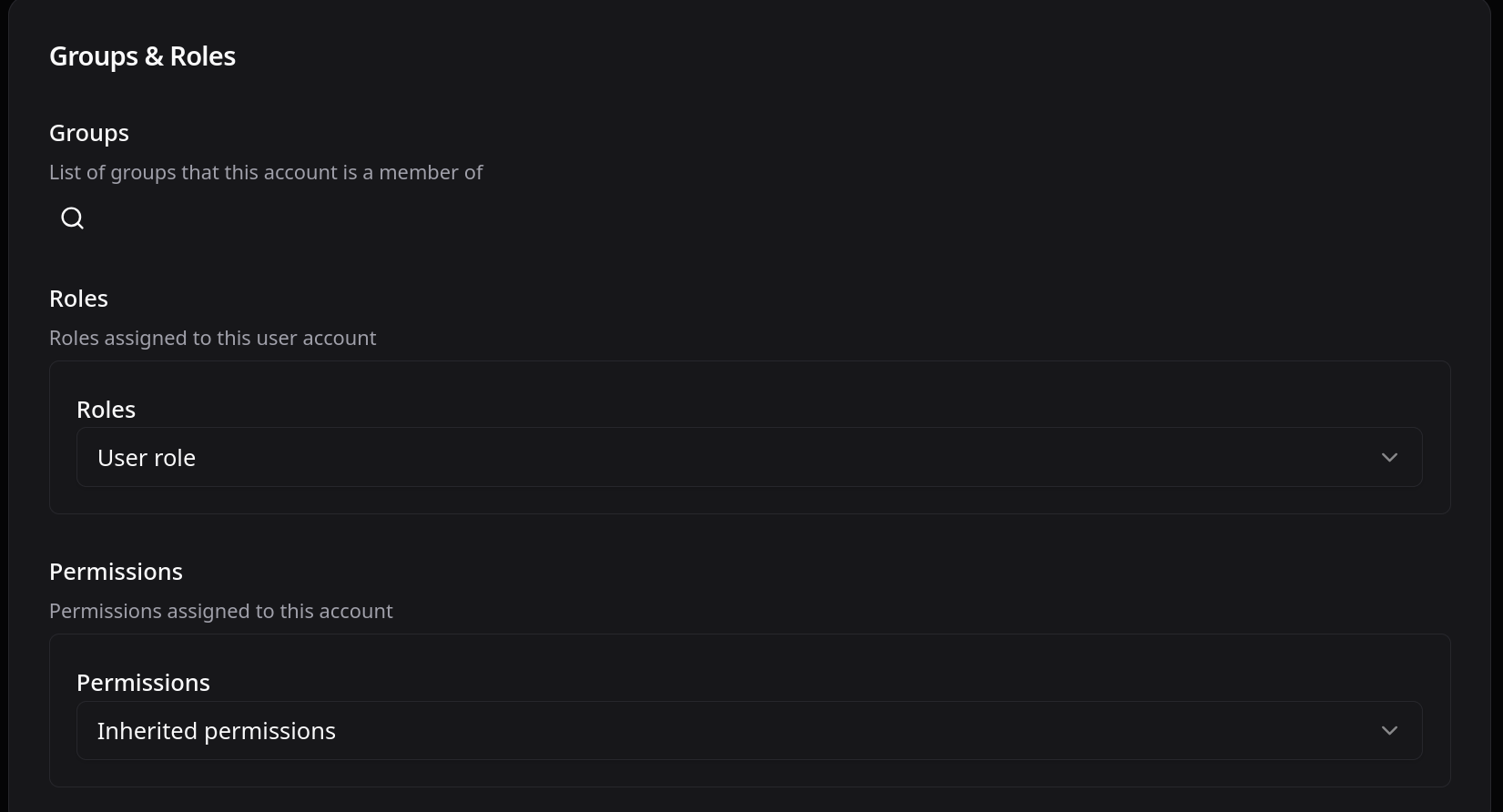
I am setting up a new mail server. I created a new user and assigned a role ‘User Role’ and setup a password using "Password for authenticating to the account’. Following this saved the settings and tried to login using mail.mydomain.com/account.
The web ui says ‘Invalid username or password. Please try again.’
Correct it is the role. The trace shows the password was accepted: the account resolved to accountId 1 and the request then failed on a missing authenticate permission, which the webui reports with the same generic message it uses for a bad password. That is why it looks like a credentials problem when it is not.
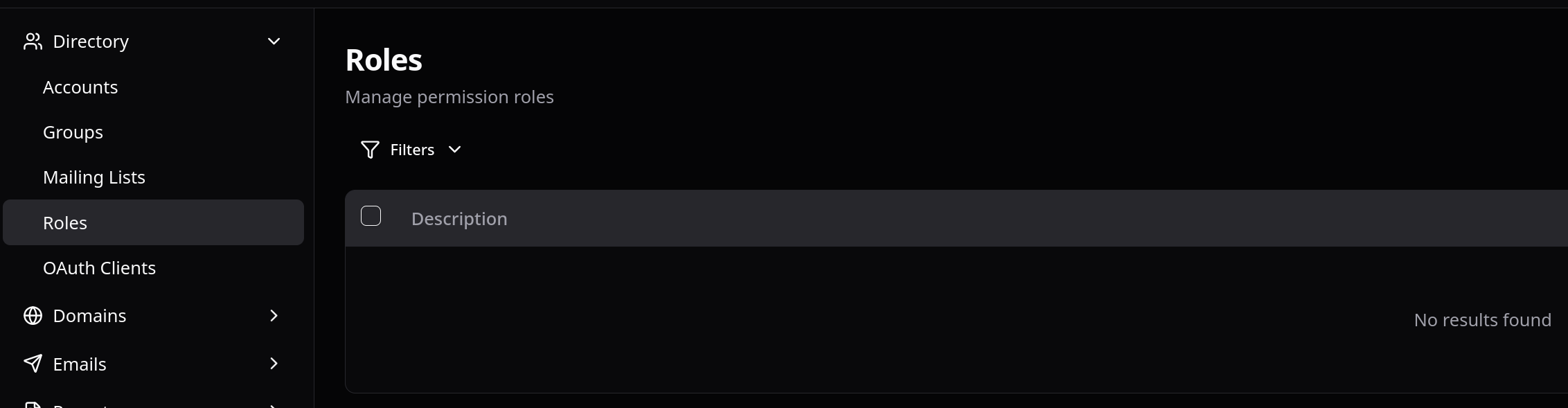
“User Role” is a pointer rather than a permission set: it resolves through the Authentication object’s defaultUserRoleIds to actual Role objects, and your Role definitions list is empty, so nothing grants authenticate. Same cause as your blank-page topic.
The fix is to create the Role objects and point defaultUserRoleIds and defaultAdminRoleIds at them. The four defaults are only seeded on a clean bootstrap where neither a Role nor an Authentication object exists yet, so an install that ended up with an Authentication object first never gets them, which is how you got here.