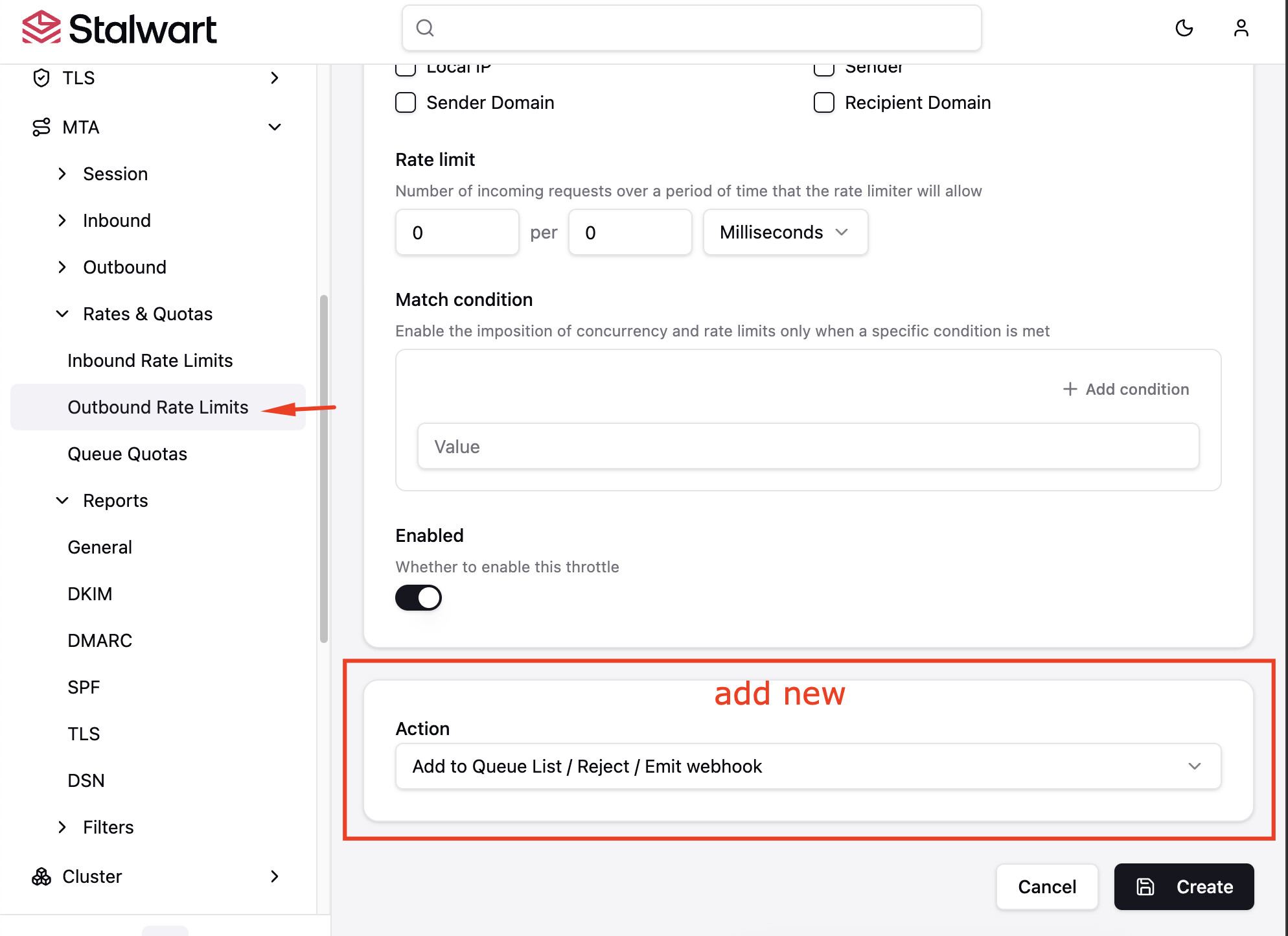
Currently, when an Outbound Rate Limit is reached, Stalwart’s default behavior is to transparently keep the affected messages in the outbound queue until the time window resets. While this is useful for system throttling, it creates a “gray area” for end-users. The email appears in the sender’s “Sent” folder, but it hasn’t actually left the server. This ambiguity makes it difficult to track delivery status in real-time and isn’t ideal if an account is compromised and actively blasting spam.
Allowing administrators to choose a specific action when an outbound rate limit is tripped provides much better control over traffic management and security enforcement.
Proposed Behavior
We suggest adding an optional action parameter to the MtaOutboundThrottle object config (and its corresponding UI in Settings › MTA › Rates & Quotas › Outbound Rate Limits).
The action field would support three modes:
-
Queue(Default): Retain the current behavior—keep messages safely in the queue and resume delivery according to the retry schedule. -
Reject: Immediately reject the outbound message and return a hard/soft bounce failure back to the local sender (e.g.,550 5.7.x Outbound rate limit exceeded). -
Webhook: Trigger a Webhook event to alert an external application or security orchestration tool (SOAR) when a specific rate limit is tripped, allowing for automated account suspension or external logging.
Who Benefits?
-
End-Users / Senders: They get immediate transparency. If their mail is blocked or rejected due to a rate limit, they know instantly rather than wondering why their “sent” mail hasn’t arrived.
-
Mail Administrators & Postmasters: Enhanced anti-spam and security posture. If a local mailbox gets compromised, a strict outbound rate limit with a
RejectorWebhookaction can stop a spam outbreak instantly and notify the team immediately, rather than just filling up the outbound mail queue with thousands of spam messages.