Your question
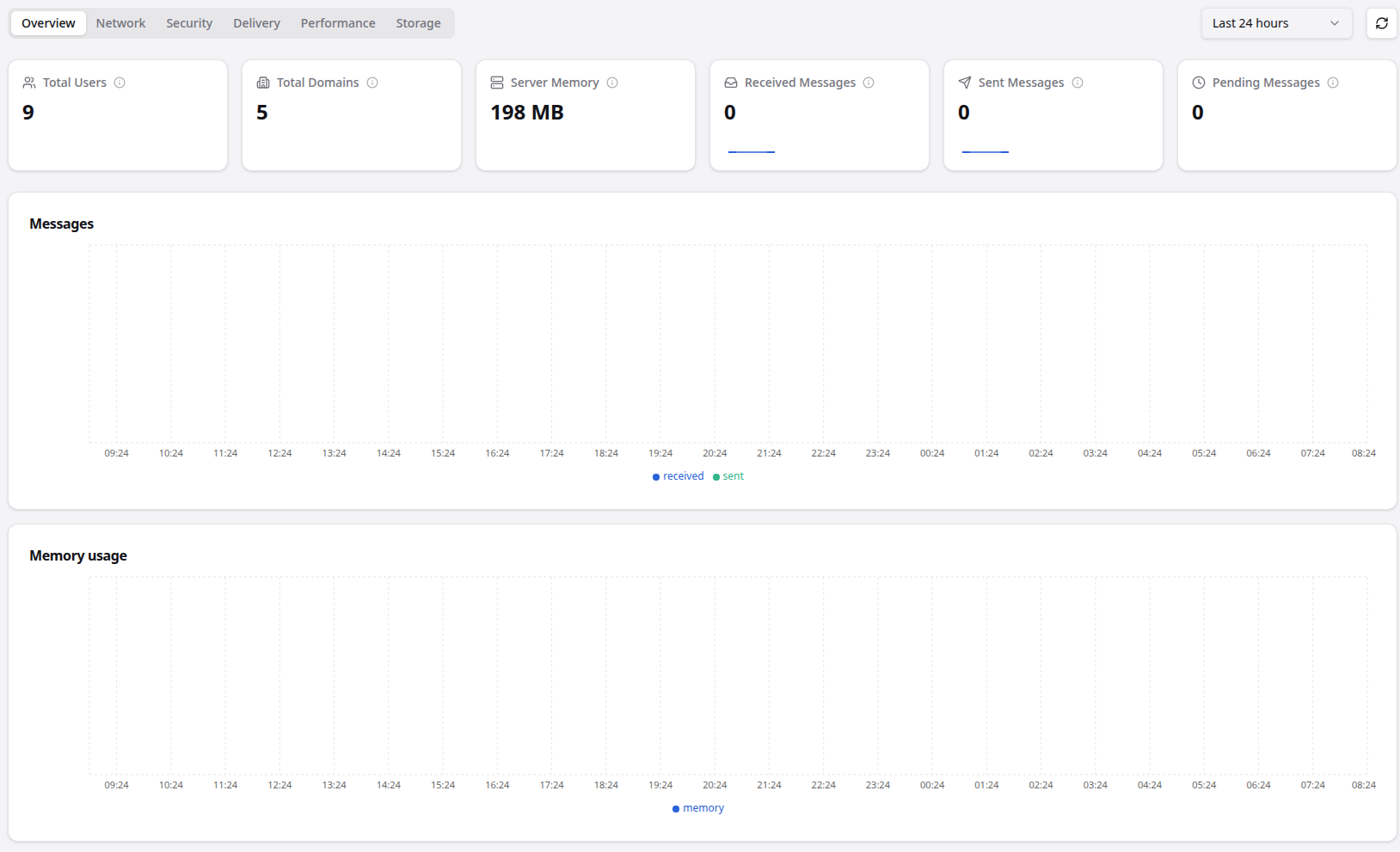
I wanted to support Stalwart, so I purchased a license key (for my family’s mail server). So far, so good, but I don’t see any email counts sent/received in the dashboard yet. Do they show up there after a certain amount of time? Or do I need to configure something?
I understand that topics in this category are triaged by a bot first but a human reply will follow up. If I’d prefer a human-only reply, I’ll add the no-ai tag to my topic.
on
The dashboard statistics require the MetricsStore and TracingStore to be configured and enabled – they are not on by default, so an empty dashboard after purchasing is expected.
Here’s what you need to do in the WebUI:
-
Enable Metrics Store: Go to Settings › Storage › Metrics Store and set it to Default (to reuse the main data store). This enables the periodic metric samples that power the dashboard charts. By default, metrics are sampled once per hour.
-
Enable Tracing Store: Go to Settings › Storage › Tracing Store and set it to Default as well. This stores delivery traces that drive the message history views.
Once both are set to Default (or another backend of your choice), the server will start collecting data. Since the default sampling interval is once per hour, you’ll typically start seeing data within an hour, with charts filling in over time.
Retention defaults are 90 days for metrics and 30 days for traces, which you can adjust under Settings › Storage › Data Retention if needed.
Full details are in the Telemetry History docs.
This is an automated reply from the Stalwart Help Bot. Other community members may follow up if this answer is incomplete or wrong. If you found it useful, mention @helpbot in any reply to ask follow-up questions and the bot will respond again.
The history-backed counters (sent/received, sizes) need a metrics store enabled: Settings > Storage > Metrics Store, set to “Default” to reuse the main data store. Default sampling is once an hour at minute zero (controlled by metricsCollectionInterval under Data Retention), so the first data point lands at the top of the next hour and the graph grows from there. Live values (sockets, threads, queue length) are separate and don’t need the metrics store.