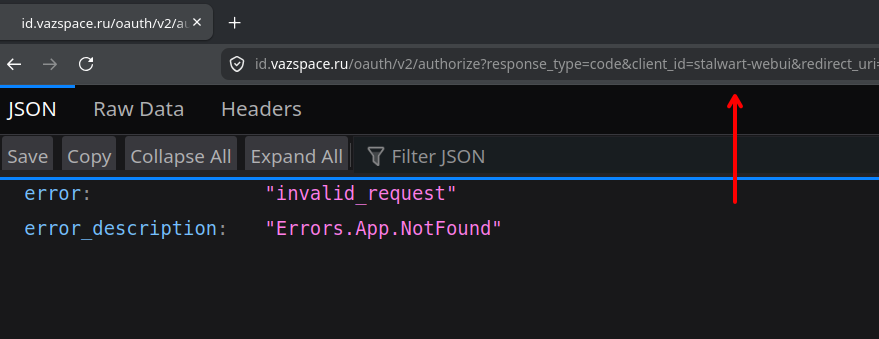
Let me look up the SSO/OIDC configuration documentation for Stalwart and Zitadel.
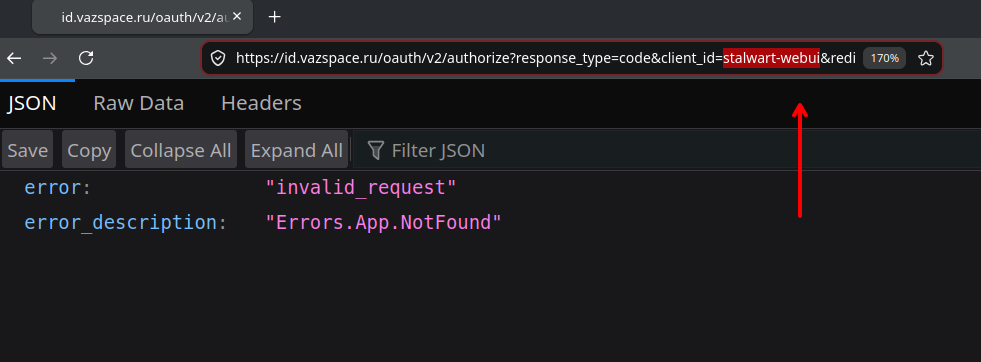
Based on the screenshots described and the documentation, the issue is almost certainly a mismatch between the Client ID registered in Stalwart’s OAuth client list and what Zitadel is seeing, or - more commonly - a redirect URI mismatch or audience (aud) claim mismatch. Here is what to check:
Key things to verify
There are two completely separate roles at play, and it helps to be clear which direction you are going:
Option A - Stalwart acts as the OIDC client, delegating authentication to Zitadel
This is configured via a Directory object of type Oidc (WebUI: Settings > Authentication > Directories). Stalwart validates tokens that mail clients present. It does not initiate browser redirects itself - the error you are seeing on Zitadel’s side is happening because of what Stalwart passes in the OAuth authorization request.
Option B - Stalwart acts as the OIDC provider, and you are using Zitadel as a social/external login for Stalwart’s own WebUI login
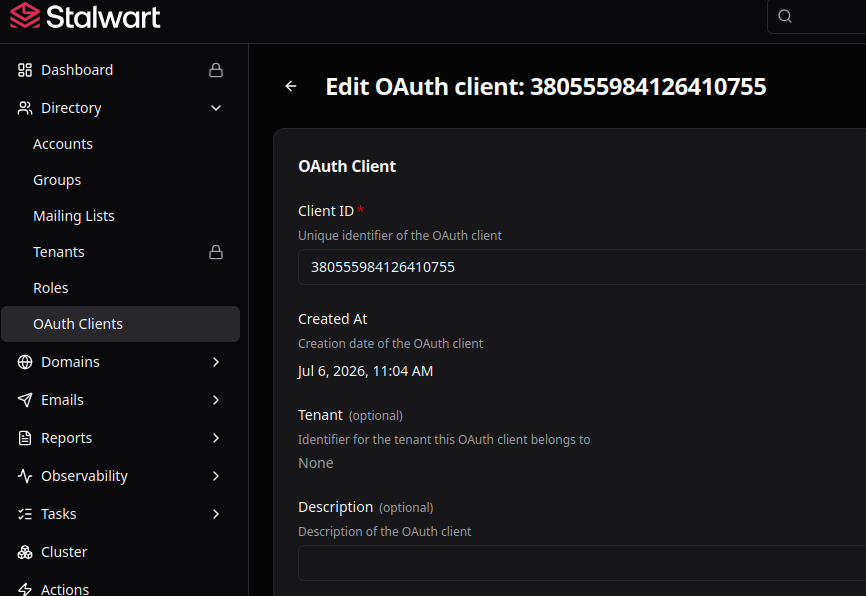
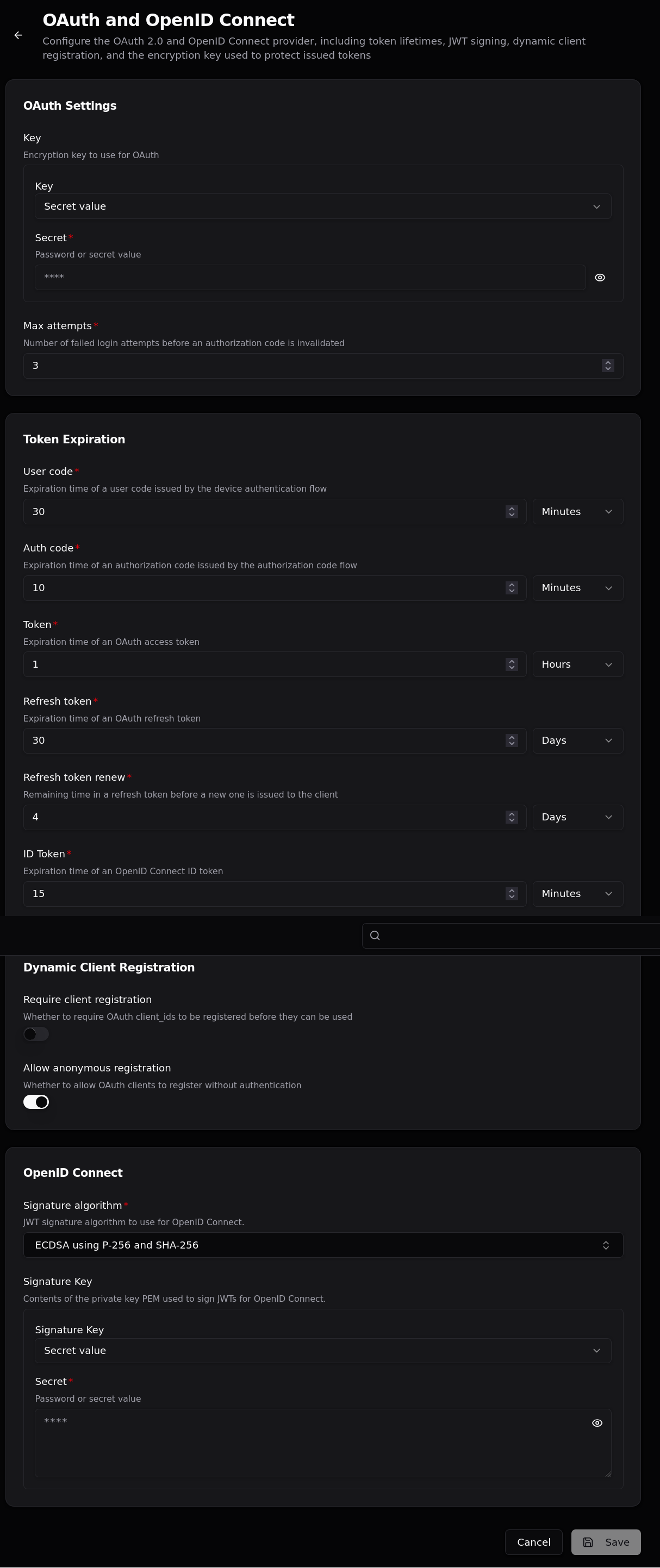
This is a different flow, handled through OAuth client registrations.
Most likely causes of the error
1. client_id not registered / mismatched in Zitadel
The Client ID you enter in Stalwart’s configuration must exactly match the Application Client ID you created in Zitadel. Even a trailing space or wrong case will cause this error.
2. Redirect URI not whitelisted in Zitadel
The redirect URI that Stalwart sends to Zitadel must be exactly listed in Zitadel’s application allowed redirect URIs. A common mistake is missing a trailing slash or using http vs https. The Stalwart WebUI registers stalwart://auth as its redirect URI - you need to add that (and your domain’s callback URL, e.g. https://mail.example.com/auth) to Zitadel.
3. requireAudience mismatch
In the Stalwart OIDC Directory config, the requireAudience field defaults to "stalwart". This must match the audience/resource you configured in Zitadel for this application. Either set requireAudience in Stalwart to your Zitadel client ID, or configure Zitadel to include "stalwart" in the aud claim of issued tokens.
4. Zitadel application type
Zitadel distinguishes between Web, Native, and API application types. For the WebUI login flow, you need a Web application with the Authorization Code grant type and PKCE enabled. Make sure the application type matches what the flow expects.
What to share for more help
Since the images are not all visible, could you share:
- The exact error text Zitadel shows (not just the screenshot)?
- What type of application you created in Zitadel (Web / Native / API)?
- The redirect URIs you have listed in Zitadel for this app?
- Whether you are configuring an OIDC Directory (Settings > Authentication > Directories) or an OAuth Client (Management > OAuth)?
Relevant docs:
This is an automated reply from the Stalwart Help Bot. Other community members may follow up if this answer is incomplete or wrong.