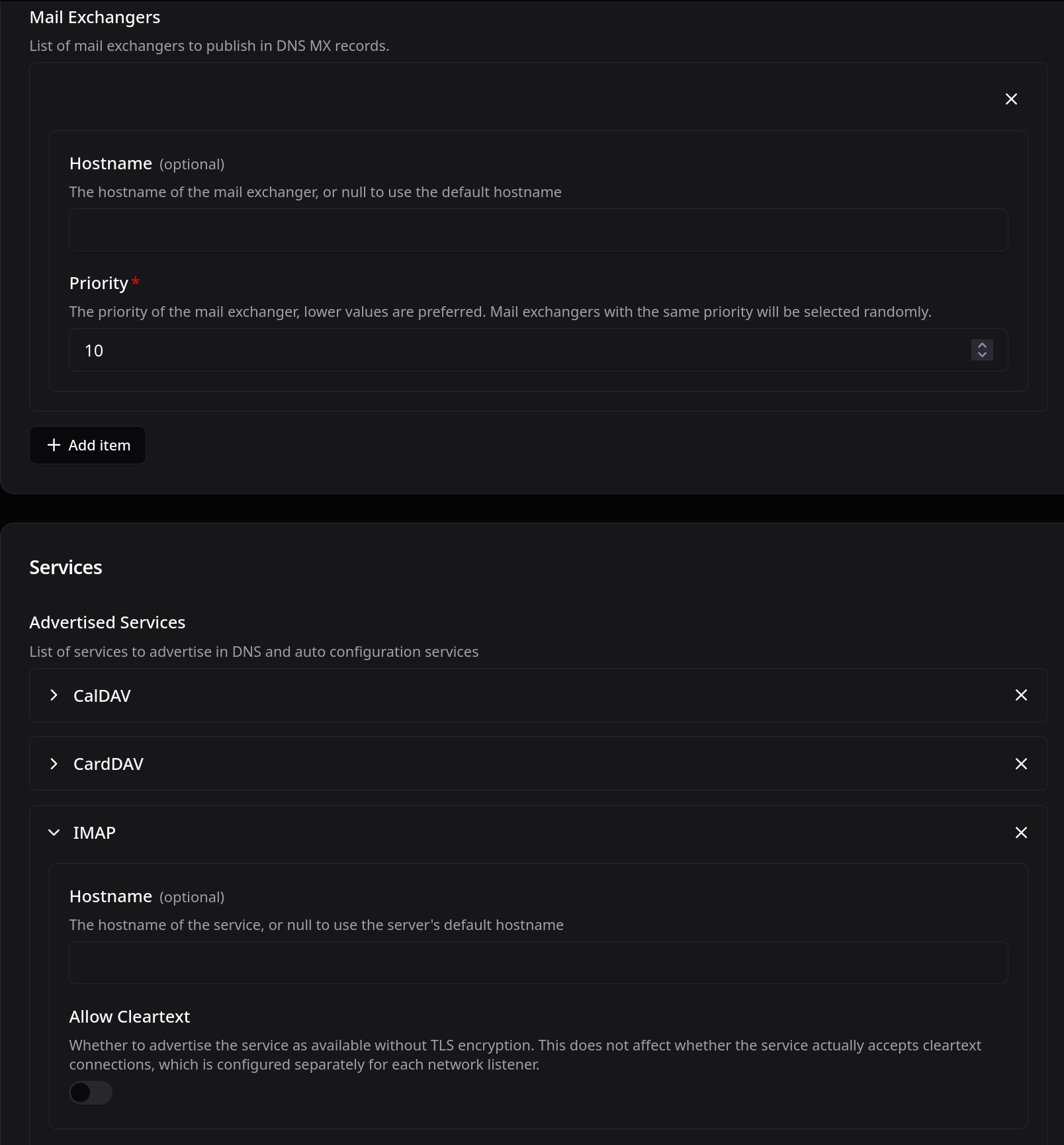
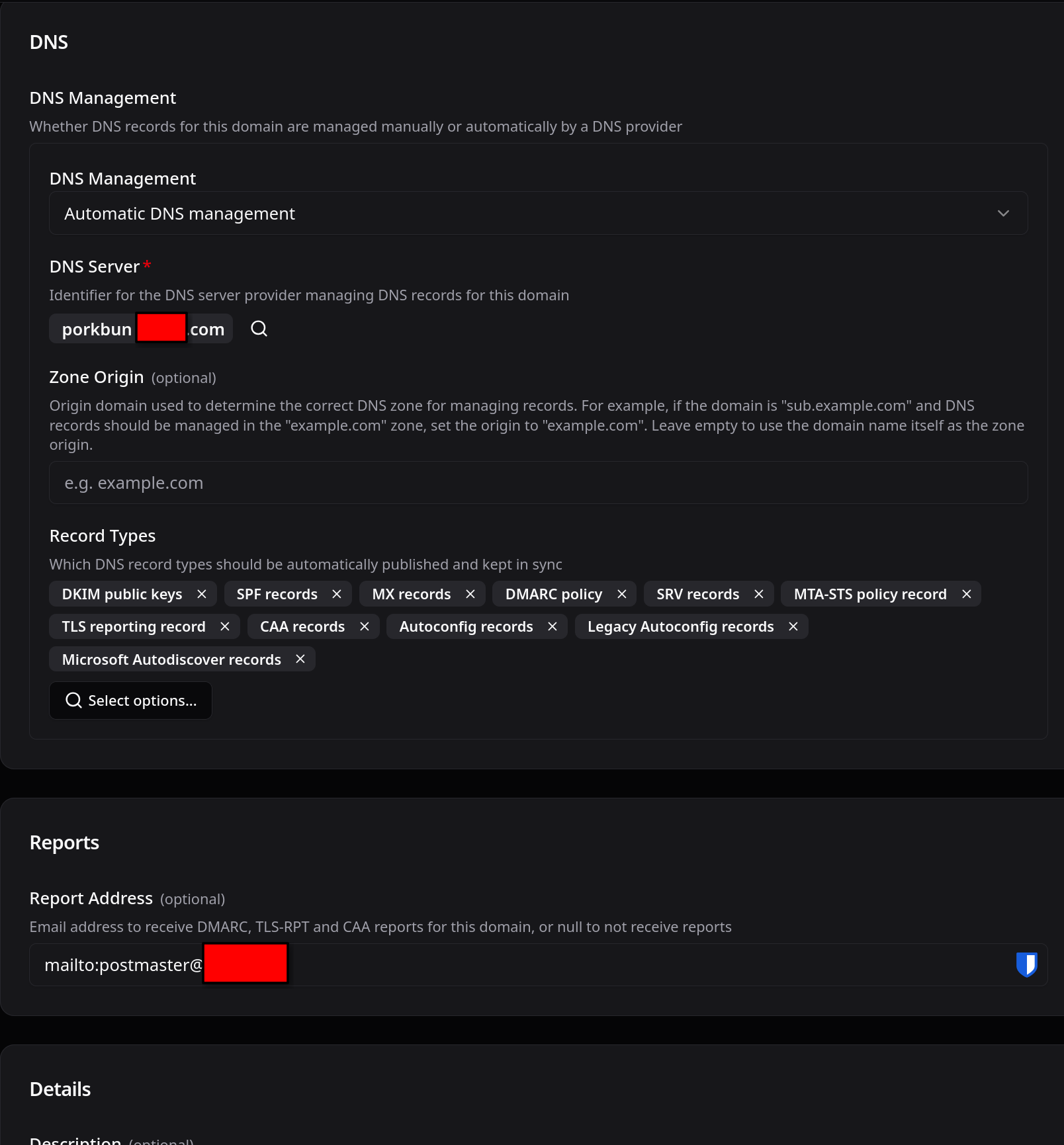
I am using ‘Automatic DNS management’ with 'Manual TLS Certificate management".
The domain name specified in account/Management/x:Domain/b is blah.com. The hostname of the server is mx. The stalwart webui is hosted on mx.blah.com
When i look up the zone file using Actions in account/Management/x:Domain it shows:
_imaps._tcp.blah.com. IN SRV 0 1 993 mx.
Why is it using mx. instead of the the full fqdn `mx.blah.com.’ ?
I understand that topics in this category are triaged by a bot first but a human reply will follow up. If I’d prefer a human-only reply, I’ll add the no-ai tag to my topic.
The mx. value in that SRV record comes from Stalwart’s configured server hostname, not from anything derived from the domain object. Stalwart generates SRV targets using the server’s defaultHostname setting (found on the SystemSettings singleton in the WebUI), falling back to the OS-reported hostname if that field is left empty. If your server’s hostname is set to just mx (either explicitly in defaultHostname or as reported by the OS), that unqualified value gets used verbatim in the generated records instead of the FQDN.
To fix it, set defaultHostname explicitly to mx.blah.com under System Settings so the zone file (and SRV/MX/autoconfig/autodiscover records that also rely on it) reference the fully qualified name.
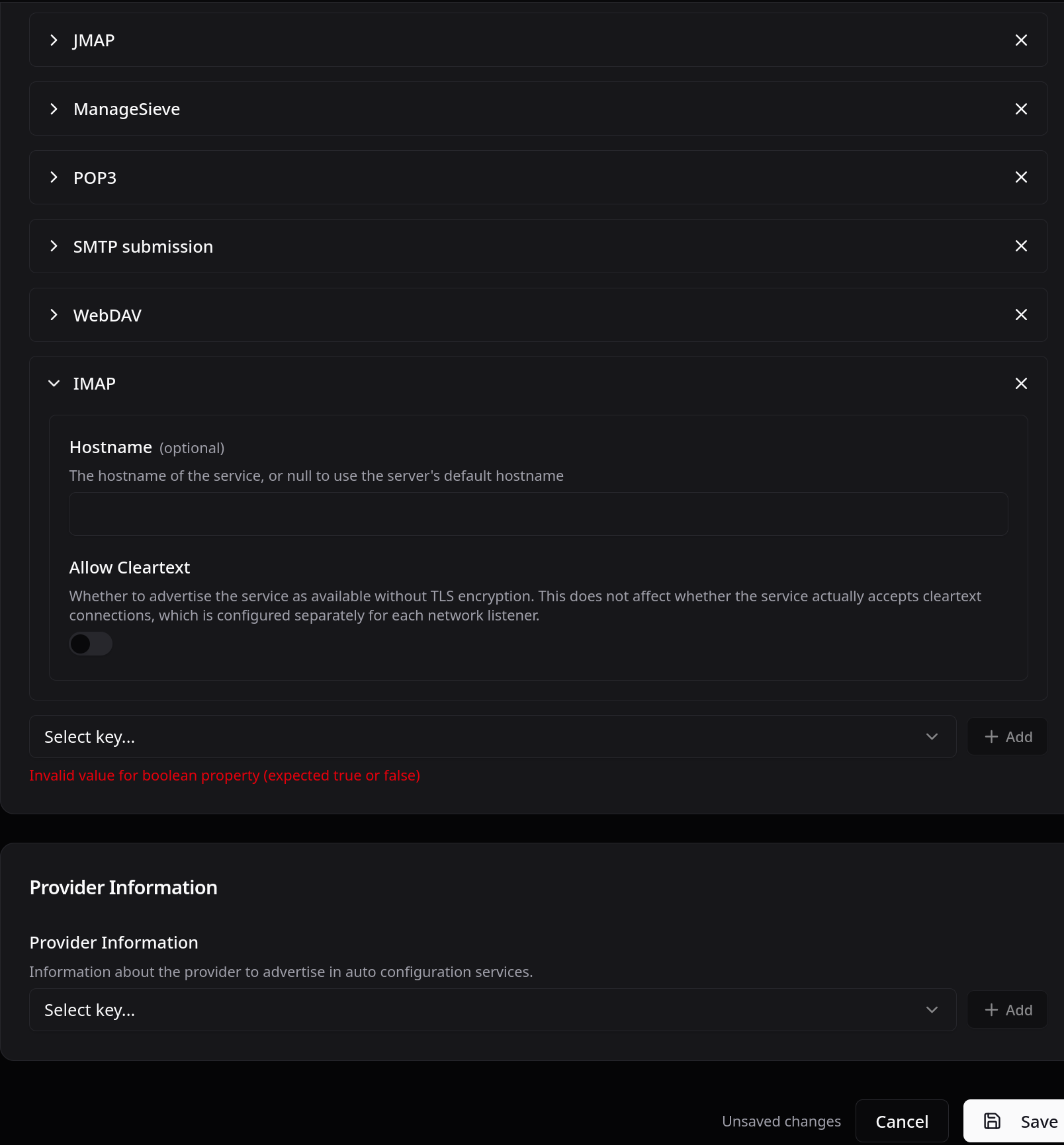
The SRV target comes from the per-service hostname under Settings > Network > Services, not from defaultHostname. Whatever sits in that field is written into the zone verbatim with a trailing dot, so a bare mx becomes mx.. defaultHostname is only consulted when the per-service field is empty, which is why yours looks right and the record still does not.
Clear the IMAP service’s hostname so it falls back, or set it to the full mx.blah.com. Check the other service entries and the MX record while you are in there, since they all read the same field. Then re-run the DnsManagement task so the corrected records get republished: DNS records | Stalwart
For the two-day-old pending tasks I only have the screenshot to go on. Which task variant are they, and what does failureReason say? Also whether the domain has a DnsServer configured and referenced by dnsServerId.