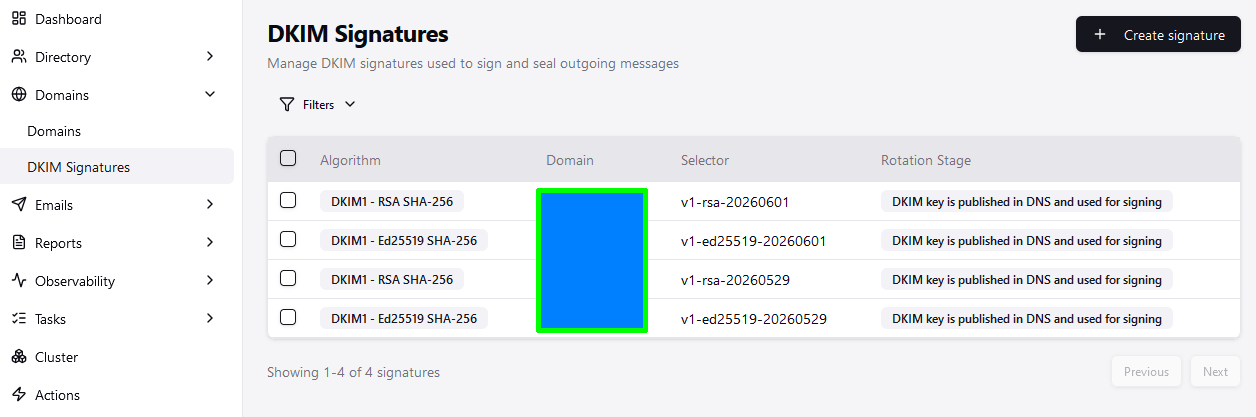
I added a new domain, but DKIM was not generated for it. Some email accounts were created under that domain. I then deleted the domain, however the email accounts still existed.
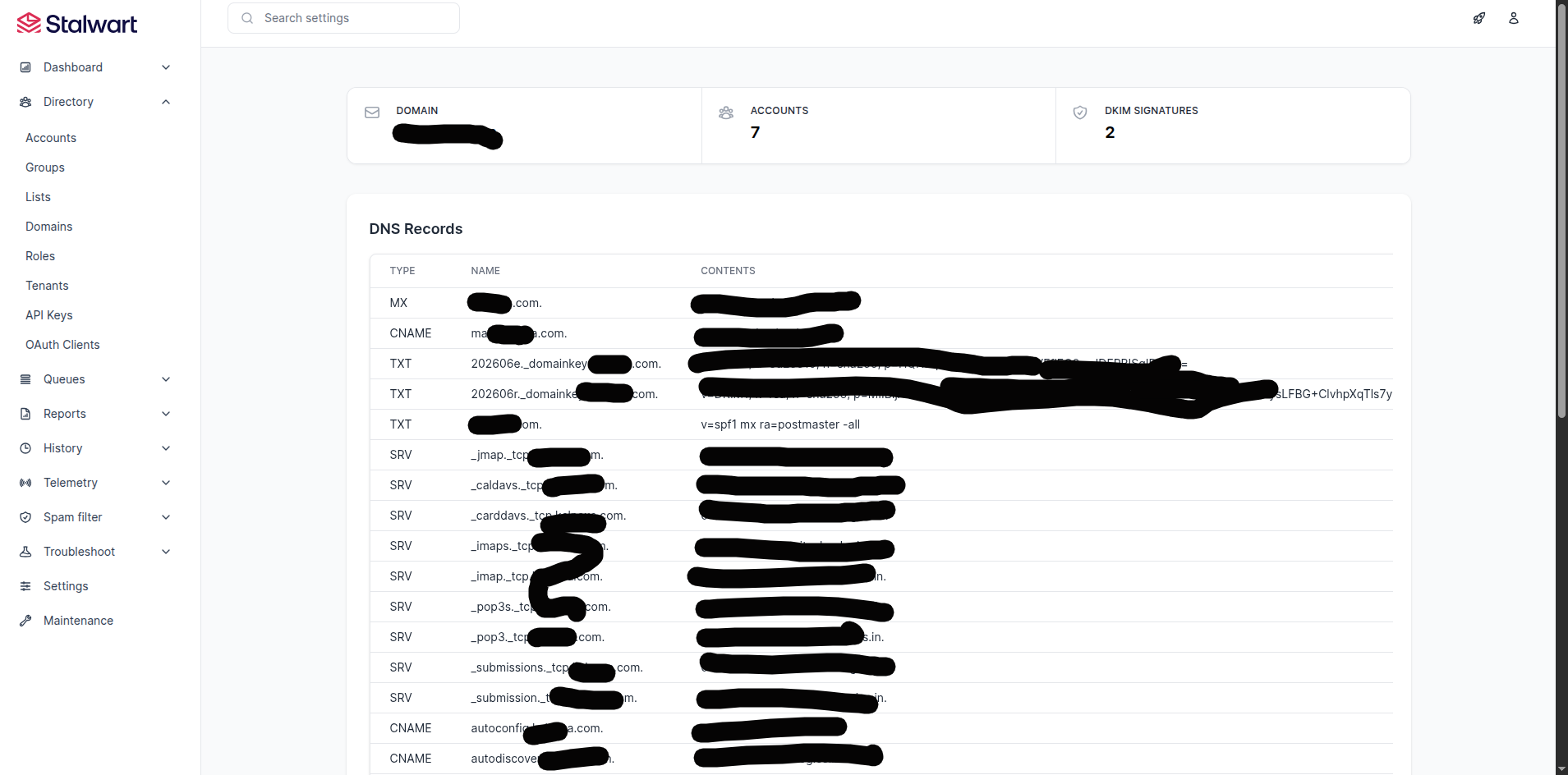
After re-adding the domain, a DKIM record was generated. I updated the DNS with the new DKIM record, but outgoing emails still do not contain a DKIM-Signature header in the raw email source.
Expected Behavior
DKIM signature should work
Stalwart Version
v0.13.2
Installation Method
Binary (Linux)
Database Backend
MySQL
Blob Storage
MySQL
Search Engine
MySQL
Directory Backend
SQL
I have reviewed the documentation and FAQ and confirm that my issue is NOT addressed there.
on
I have searched this support forum (open and closed topics) and confirm this is not a duplicate.
on
I understand that topics in this category are triaged by a bot first but a human reply will follow up. If I’d prefer a human-only reply, I’ll add the no-ai tag to my topic.
Let me look into the DKIM configuration and signing behavior to give a well-grounded answer.
Based on the docs, here are the most likely causes for DKIM signatures not appearing on outgoing mail after re-adding a domain:
1. The DKIM signature’s stage may not be set to active.
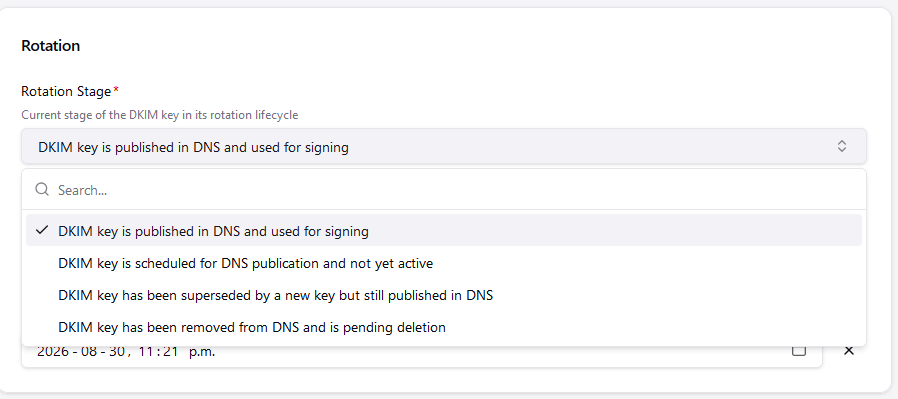
Each DkimSignature object has a stage field. Only signatures with stage: "active" are used to sign outgoing mail. Signatures in pending, retiring, or retired stages are not applied. Check this in the WebUI under Management > Domains > DKIM Signatures and confirm the stage is active for the newly generated key.
2. The dkimSignDomain expression condition may not be matching.
The default signing policy only signs when is_local_domain(sender_domain) && !is_empty(authenticated_as) – meaning the sender’s domain must be recognized as a local domain and the sending session must be authenticated. If the domain was in a partially-deleted state when accounts were created, there could be a mismatch. Verify the domain is fully and cleanly re-registered in the WebUI under Settings > MTA > Inbound > Sender Authentication (dkimSignDomain).
3. The DkimSignature object’s domainId must point to the correct Domain object.
When you deleted and re-added the domain, a new Domain object (with a new internal ID) was created. If the DKIM signature record’s domainId still references the old (deleted) domain ID, it will not be matched. In the WebUI, check that the DKIM signature for your domain has its domainId correctly linked to the current domain entry.
Steps to verify:
Go to Management > Domains > DKIM Signatures: confirm stage is active and domainId matches the current domain.
Send a test email from an authenticated SMTP session and check the server logs for any DKIM signing errors.
Confirm the DNS TXT record for the new selector is live and propagated before testing.
I just noticed you’re running an old release, 13. The Web UI changed greatly from 15 to 16. You probably still need to mark the signature from Pending to Active, but I would have no idea where it is in that UI. Is the “2” in the DKIM count clickable?